• Regd. No. 12/IV/446
  • यत्र नार्यस्तु पूज्यन्ते रमन्ते तत्र देवताः

Membership

An organised society — a safe society

  1. Home
  2. Membership

Become a member today

Become a member and work for human rights and the safety of women in your village, ward or district. Every application is checked by the Trust before approval.
Become a Member Read the membership rules

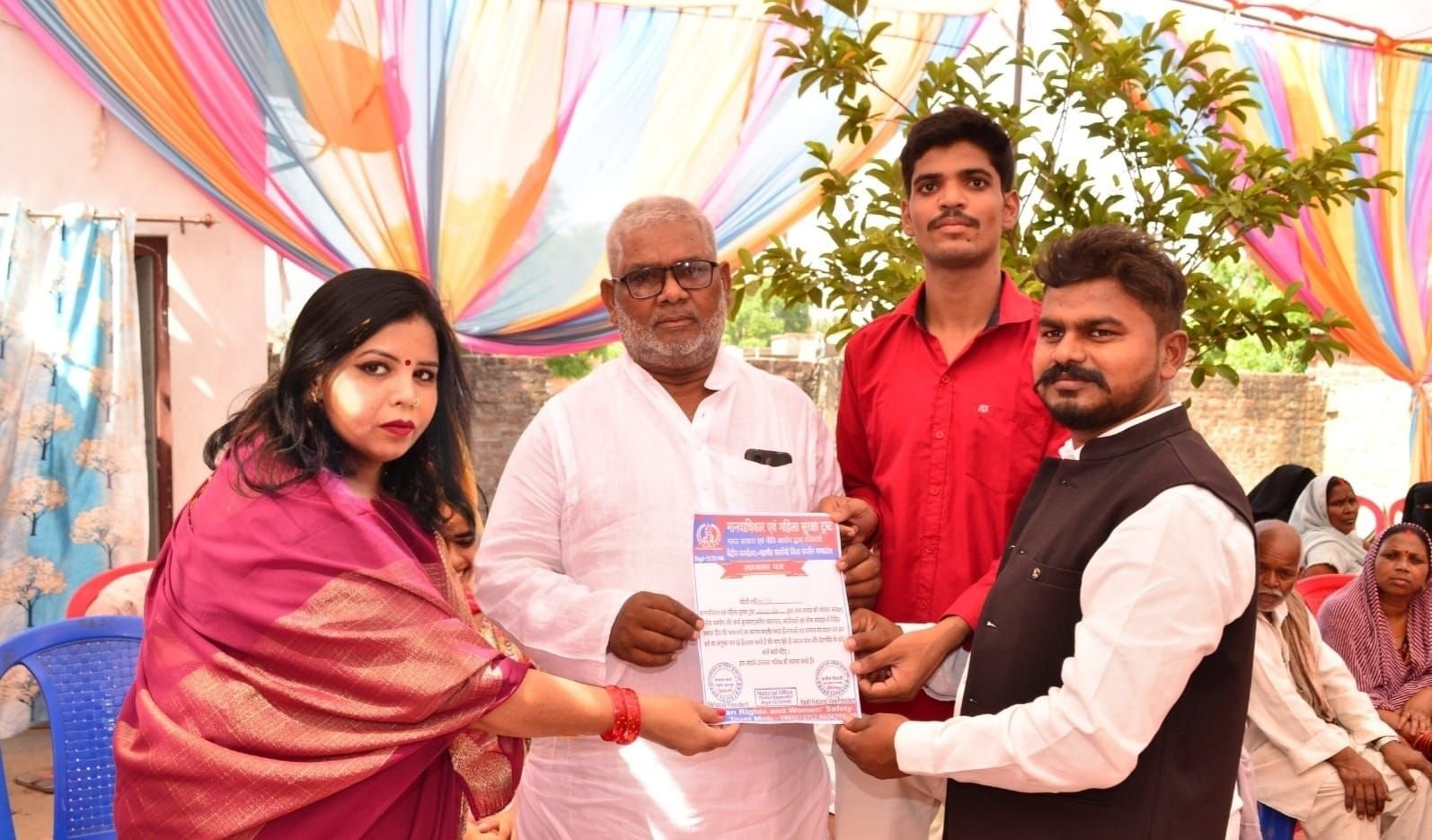
  • Membership certificate and photo ID card
  • Training in legal awareness and women’s safety
  • Chance to become a district or state office-bearer
  • Invitations to all meetings, camps and events

Membership categories

General Member

₹251

1 year

  • Membership certificate and ID card (after approval)
  • Invitations to meetings and events
  • Awareness and training programmes
Become a Member

Active Member (Office-bearer)

Free

1 year

  • Designation and appointment letter as decided by the Trust
  • Membership certificate and ID card
  • Work in your district / state team
Become a Member

How to become a member

  1. Fill the formEnter your details and upload a photo
  2. Pay the feeBy UPI or bank transfer, then share the UTR
  3. VerificationThe Trust checks your details and payment
  4. ID cardAfter approval, download your ID card from Member Login

How to pay the fee

Pay the membership fee by UPI (scan the QR code) or bank transfer, then enter the UTR / transaction number in the form. You can also send the payment screenshot on WhatsApp.

Account nameManav Adhikar Awam Mahila Suraksha Trust
Bank nameHDFC Bank
Account number50200103142187
Account typeCurrent Account
IFSC codeHDFC0004670
MICR code462240501
BranchObedullaganj (04670) — Plot No. 113, Near Central Bank of India, Hoshangabad Road, Obedullaganj, Madhya Pradesh 464993
UPI IDvyapar.175693022489@hdfcbank

Apply for membership

Membership fee payment

UPI QR code
Step 1: Scan and pay

Scan this QR with Google Pay, PhonePe, Paytm, BHIM or any UPI / bank app and pay the amount.

UPI ID: vyapar.175693022489@hdfcbank

Pay with UPI appStep 2: Confirm your payment

Type the UTR / transaction number and upload the payment screenshot below.

After paying, take a screenshot that shows the UTR / transaction number. The number you type must match the screenshot.

Please read the membership rules before applying.

Membership is activated after the Trust checks your details and fee payment.